Check availability before making a booking
Members choose the date and see available rinks and sessions. League matches, coaching and maintenance reservations can be shown alongside casual roll-ups.

ONLINE RINK BOOKING
Members can see availability and select one or more rinks and time periods directly. Match reservations and maintenance blocks are easy to see.
Discuss your club website →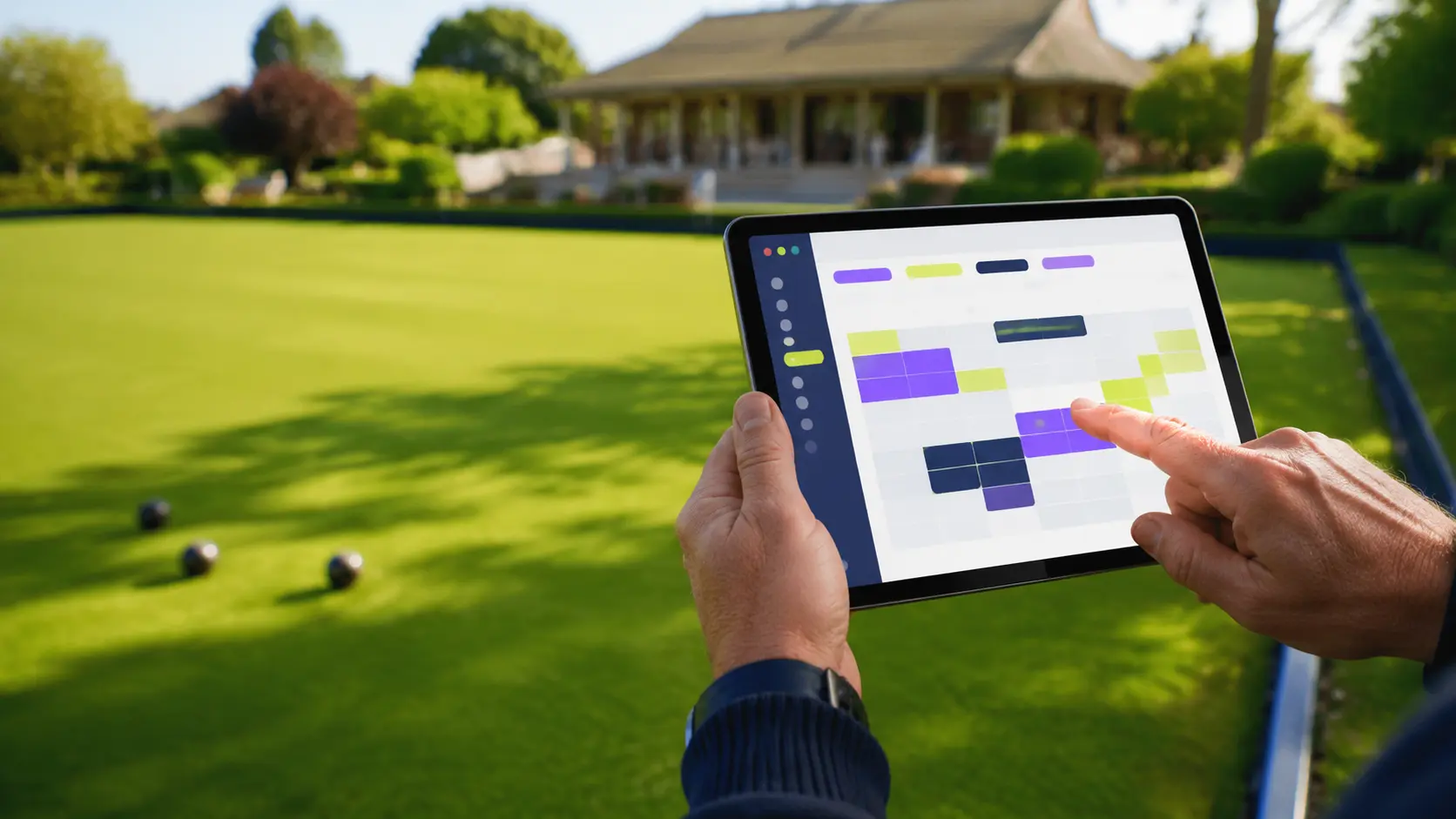
FROM YOUR COMMITTEE’S PLAN TO EVERYDAY USE
Members choose the date and see available rinks and sessions. League matches, coaching and maintenance reservations can be shown alongside casual roll-ups.
Agree the number of indoor or outdoor rinks, session lengths, advance-booking window and any limits before setup. A match needing several rinks can be planned together.
Identify who may reserve club sessions, manage unavailable periods and deal with changes. Test the diary on a phone with members who will use it.
Riverside Park is a fictional, interactive demonstration. Try the tools before discussing your club’s own setup; the written proposal confirms your package, permissions and agreed features.
DESIGNED AROUND YOUR CLUB
Let members book more than one rink or time period when a match needs it.
Show roll-ups, leagues, coaching and club blocks clearly.
Make unavailable periods visible before a member starts a booking.
Set booking rules around the way your own club operates.